Plugins
Official Kirigami plugins — install one, or write your own.
A plugin is an npm package — @kirigami/plugin-*, or your own under the same convention — declared under plugins: in kirigami.yaml. It taps into the same tag/hook registry a project's own prepros.includes file does (see Writing pages), just packaged and versioned for reuse across projects.
kiri install highlight
resolves a bare name against the @kirigami/plugin-* convention, installs it, and prints the plugins: block to paste into kirigami.yaml — see the CLI reference for the full command. Six official plugins ship today; this page demos most of them live, and documents the course components of plugin-educ. Every option, tag, cache file and style hook is on the Plugin reference. The complete list, with versions fetched live from npm, is on Ecosystem.
@kirigami/plugin-highlight
Syntax highlighting, resolved at build time — zero bytes of highlight.js reach the browser.
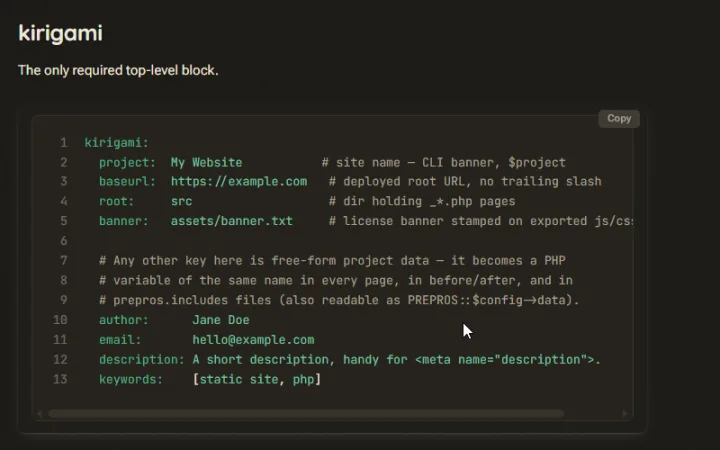
You're already looking at the demo: every fenced code block on this entire site — the one above included — is colored by this plugin, its theme layered on via sass:after and tuned to match the site's own palette instead of a generic preset. Also registers a <highlight lang="…"> authoring tag, and a hover copy button on every block.
@kirigami/plugin-extlink
External link preview cards — scraped once, at build time, and cached to disk.
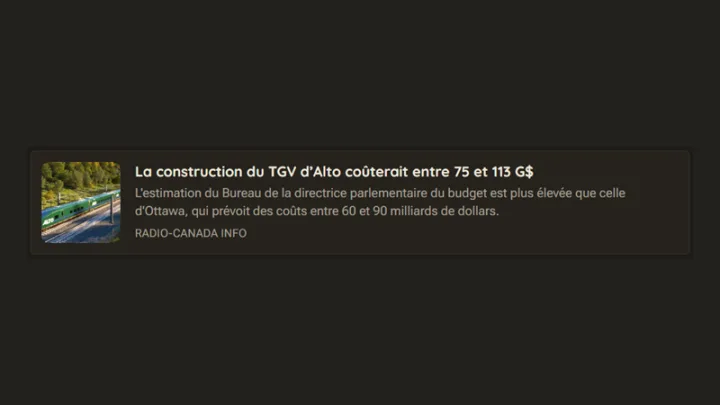
<extlink src="…"> scrapes the target page's title, description, preview image and site name, then caches every bit of it — _data/extlink/, assets/extlink/, assets/images/extlink/, meant to be committed — so a later build, CI included, never re-crawls a URL it has already resolved:
 php-kirigami/kirigami: Core package
Core package. Contribute to php-kirigami/kirigami development by creating an account on GitHub.
GitHub
php-kirigami/kirigami: Core package
Core package. Contribute to php-kirigami/kirigami development by creating an account on GitHub.
GitHub
@kirigami/plugin-embed
YouTube / Vimeo oEmbed cards — resolved in the visitor's own browser, nothing fetched at build time.
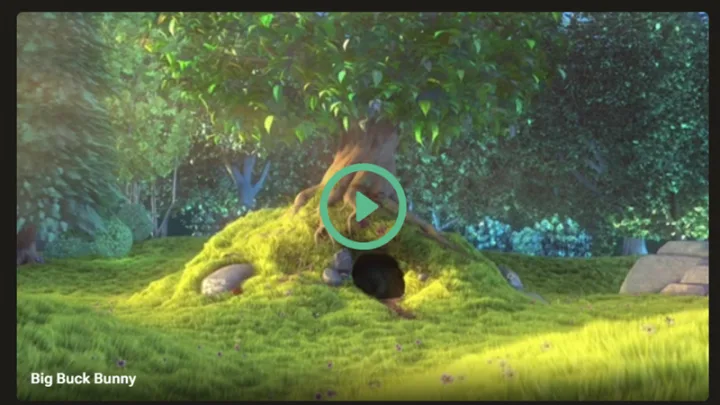
<youtube id="…"> / <vimeo id="…"> swap themselves for a cover thumbnail, the video's title, and a play button the moment the page loads — the oEmbed lookup runs client-side, cached in localStorage, and nothing actually loads from the provider until that button is clicked:
@kirigami/plugin-player
Audio players and playlists — the waveform is drawn at build time from the audio file itself.
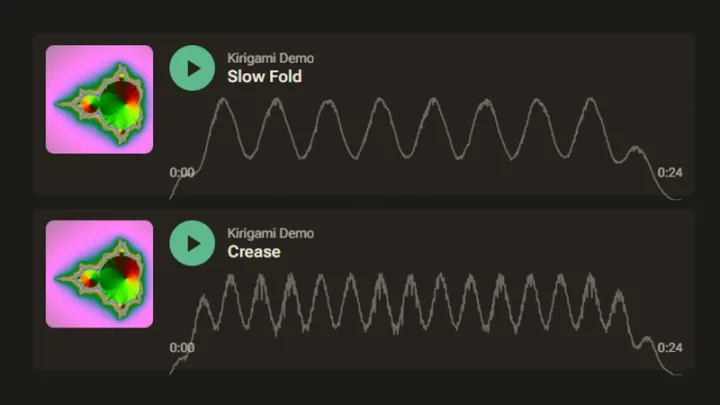
<player src="…"> decodes the file once, at build time, with @kirigami/audiowaveform-wasm (BBC's audiowaveform, compiled to WebAssembly), and bakes the waveform, the duration, the ID3 tags and the embedded cover art into the page. The cover goes through the same image pipeline as <img asset>; the result is cached in src/_data/player/, meant to be committed. The browser only gets a small playback script, and downloads nothing until someone presses play. Click or drag along the waveform to seek:
A <playlist src="….m3u"> is a plain playlist file; the next track starts when one ends. The last track has no tags at all, so its title is tidied up from the file name and a placeholder stands in for the cover:
- Kirigami DemoSlow Fold0:000:24
 Kirigami DemoCrease0:000:24
- MP3unfolding0:000:24
@kirigami/plugin-clip
Local video files — the poster is picked automatically, at build time, by an aesthetic model.
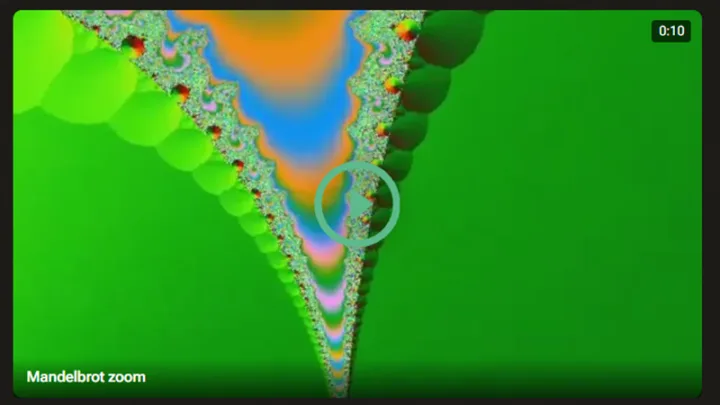
The local counterpart of <youtube> / <vimeo>: <clip src="…"> plays a video file served from your own site. The poster is not the first frame — @kirigami/bestframe samples the video, drops black, flat and blurry frames, and lets a small embedded model score the rest. The winner is published like an <img asset>; nothing is downloaded from the video until the play button is pressed:
<inline-clip src="…"> is for decoration rather than watching: a single <video> that autoplays, muted, in a loop, with no controls, and pauses while it's off-screen:
@kirigami/plugin-educ
Components for course pages — checklists, callout bubbles, link cards, colour pills, media files, quotes and embedded pens.
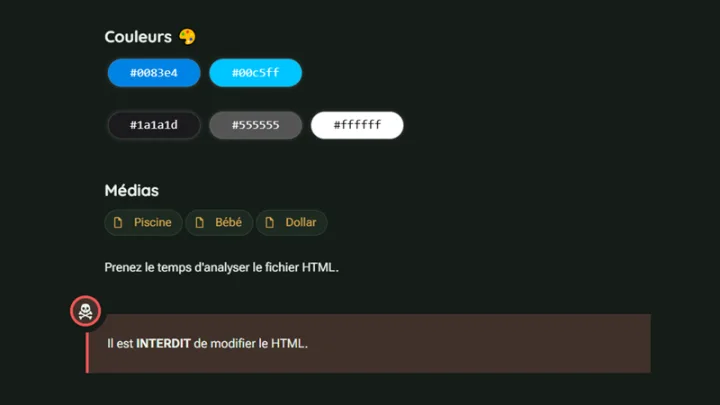
The building blocks of the Kiridoc course template, ported from the Vue components of an older course engine. Every component is available as a tag in a PHP page and as a {% ... %} shortcode in Markdown (where unknown tags are dropped). It needs an esbuild task, since the client script is bundled into it, and prepros.network: true for <doclink>.
                                plugins:
                                  - name: "@kirigami/plugin-educ"
                                    options:
                                      style: true   # append the default component styles (default)
| Component | What it does |
|---|---|
<checklist> |
Items you can tick, with a progress bar. State is kept in the reader's browser, per page and per list. |
<info>, <warning>, <alert>, <thumbsup>, <bravo> |
Coloured callout bubbles with a round icon badge (blue, yellow, red, green, purple). One element each: the icons are drawn by the stylesheet. |
<doclink> |
A pill-shaped link showing the favicon of the site it points to, looked up once at build time and cached. |
<intlink> |
A card for another page of the same site, filled from that page's @title, @abstract, @label and @image. |
<color> |
A pill filled with a colour; a click copies the code. The text is black or white, chosen from the colour's luminance. |
<quote> |
A citation with a large quote mark, the author, a title and a round photo. |
<tool> |
A card for a recommended external tool: caption, title, description and a picture. |
<codepen> |
An iframe on a CodePen embed page. |
<medialink> |
A media file to download: a type glyph, a title, a download button, a copy-link button and the file's full URL. |
A checklist takes one item per line. In Markdown, use the shortcode:
                                {% checklist
                                Read chapter 1
                                Do the _exercises_
                                Take the quiz
                                %}
The callout bubbles, colours and links work the same way:
                                {% warning Do not edit the HTML file. %}
                                {% color #ff5500 %}
                                {% doclink https://developer.mozilla.org/en-US/docs/Web/CSS CSS on MDN %}
                                {% intlink ../html-basics/ %}
                                {% medialink ./images/noise.svg Noise %}
A few details worth knowing:
- The checked items of a
<checklist>are saved inlocalStorage, so they only exist in that reader's browser. Editing a list's items resets its saved state. <doclink>fetches each host's favicon once and saves it as a 64 px webp; commitassets/images/doclink/and_data/doclink/so later builds, CI included, never re-crawl the host.<intlink>fails the build when its target page doesn't exist.<color>accepts hex colours only (#rgb,#rgba,#rrggbb,#rrggbbaa); anything else fails the build.- Images given to
<quote photo>and<tool image>may be relative to the page (./x), from the site root (/x), or a URL. - The download button of
<medialink>fetches the file into a blob, so the browser saves it instead of displaying it, even an svg, an image or an mp3. A file on another host without CORS opens in a new tab instead. - Every component is fluid: long words wrap, and on phones the cards shrink their picture. The bubbles' side badges only appear from 52 rem up.
The Kiridoc template uses all of them in its sample course.
Writing your own
A plugin's package exports a default function; kiri calls it once, at the top of every build/export/watch, with its options: from kirigami.yaml. From there it's the exact same @kirigami/sdk hook registry a project's own prepros.includes file can reach into. Writing a plugin → walks through building one from scratch — package shape, registering a tag, shipping default styles, the options schema, and a couple of gotchas that only show up once you actually try it. The plugins above are real, open-source, source-linked examples to read alongside it — plugin-highlight's index.js is the shortest complete one.