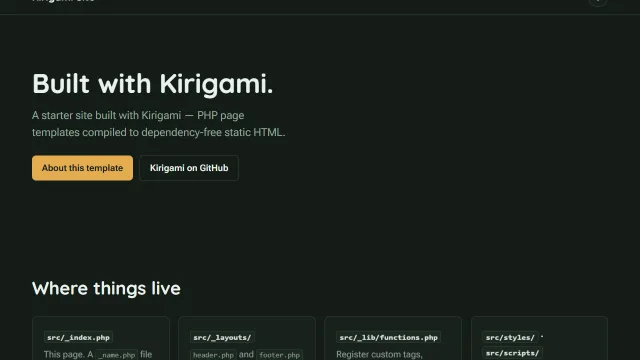
default
The minimal starter: a layout, two pages, a themeable light/dark stylesheet, and a few lines of progressive- enhancement JavaScript. Start here for a real site — there's nothing to strip out first.
Official starting points for `kiri create` — clone one instead of starting from a blank folder.
                        npx kiri create          # interactive: pick a template, name your project
                        npx kiri create default  # or name one directly
                        npx kiri create --list   # see what's available
kiri create clones the template's repo, deep-merges its package.json, writes your answers into kirigami.yaml, then git inits and npm installs for you.
The minimal starter: a layout, two pages, a themeable light/dark stylesheet, and a few lines of progressive- enhancement JavaScript. Start here for a real site — there's nothing to strip out first.
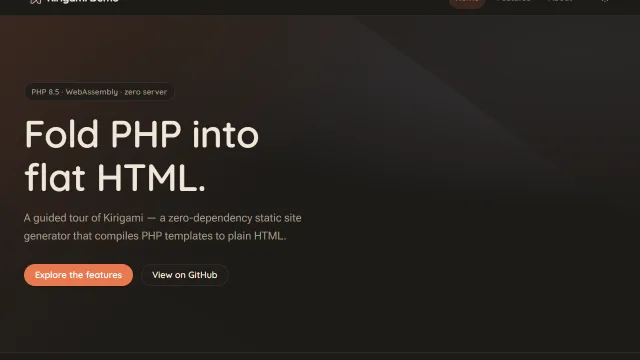
A guided tour of every feature — Markdown, images, code highlighting, data files, tags & hooks, audio, video and five official plugins — each as a real page with its source alongside. Start here to see what Kirigami can do before committing to a shape for your own site.
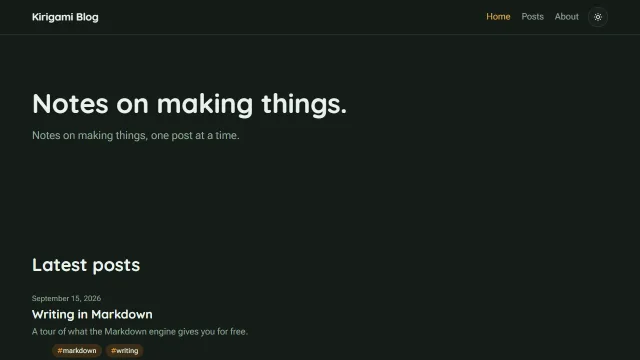
A blog where each post is one Markdown page: a home with the latest posts, an archive grouped by year, a post layout with its date and tags, dark mode, build-time syntax highlighting and BlogPosting JSON-LD. It comes with a studio: block, so its owner can add and delete posts in Kiri Studio.
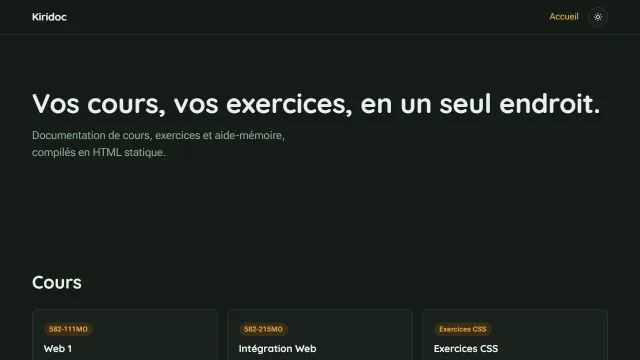
Course documentation, the Kirigami successor of Timdoc: one folder per course, pages nested to any depth, a sidebar, a breadcrumb, a table of contents and previous and next links. It uses the course components of plugin-educ and ships French sample content.
Every template ships a .github/workflows/page.yml wired to kiribuild, our GitHub Action published on the Marketplace — push to main and it deploys to GitHub Pages, no further setup. In the repository's Pages settings, choose GitHub Actions as the source. See Tutorial → Deploy for how that workflow is put together, or Showcase to see the templates live, deployed exactly as cloned.
Each also ships its own CLAUDE.md — a project-specific brief for Claude Code covering where things live and how this exact template is put together, so an AI-assisted session starts oriented instead of guessing from the file tree.